Booking a Consultation or Service
In the Services section, you can see all types of consultations, events, services, and service packages available from this specialist. You can also select the type of service you are interested in using the appropriate filter.
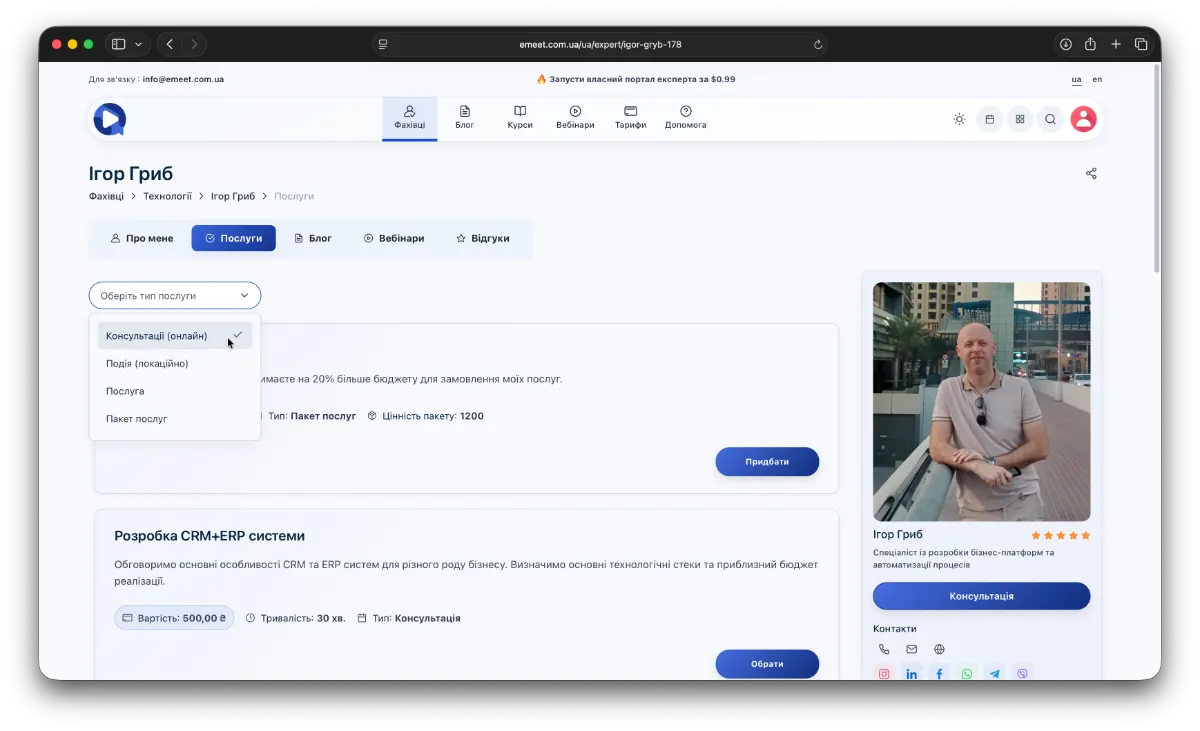
Next, choose the service or consultation you need from the list.
For consultations or events, a booking wizard will open where you need to specify the date, time, your contact details, and confirm payment (if the consultation or event is paid).
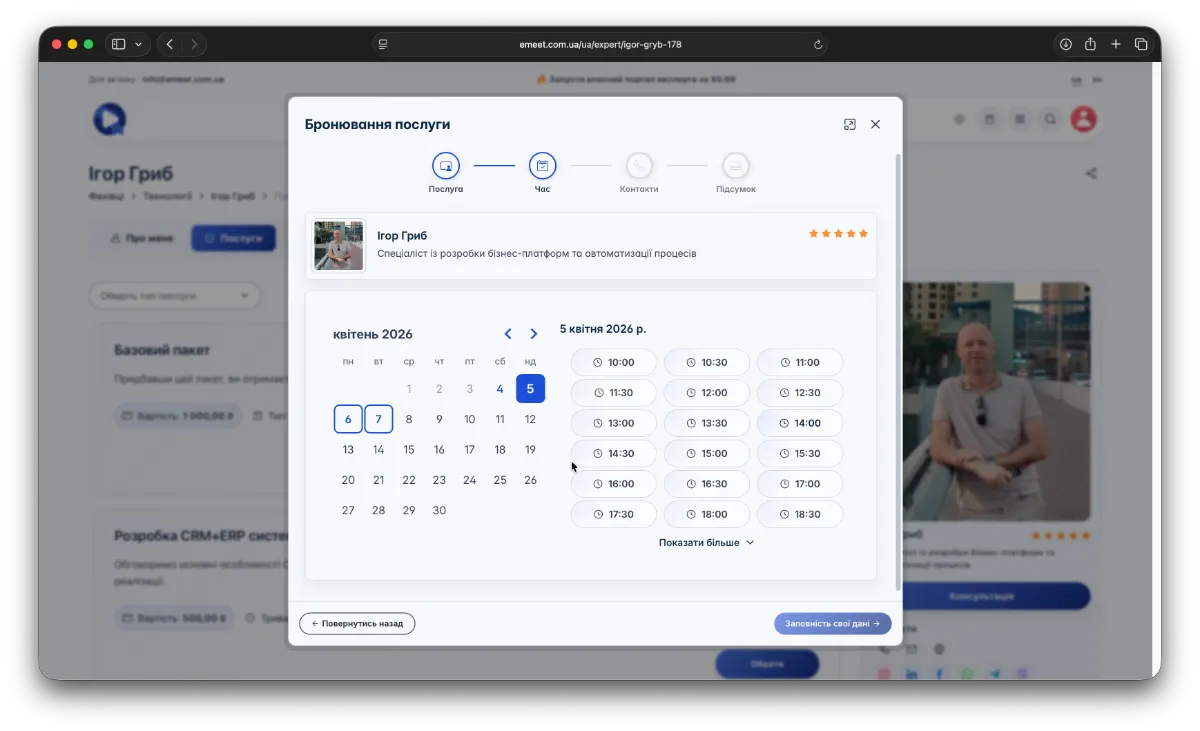
If the specialist has not set working hours, you can still request a consultation by enabling the Send consultation request option. After the specialist sets the consultation time, you will receive a notification by email. Complete all booking steps by filling in all required consultation details.
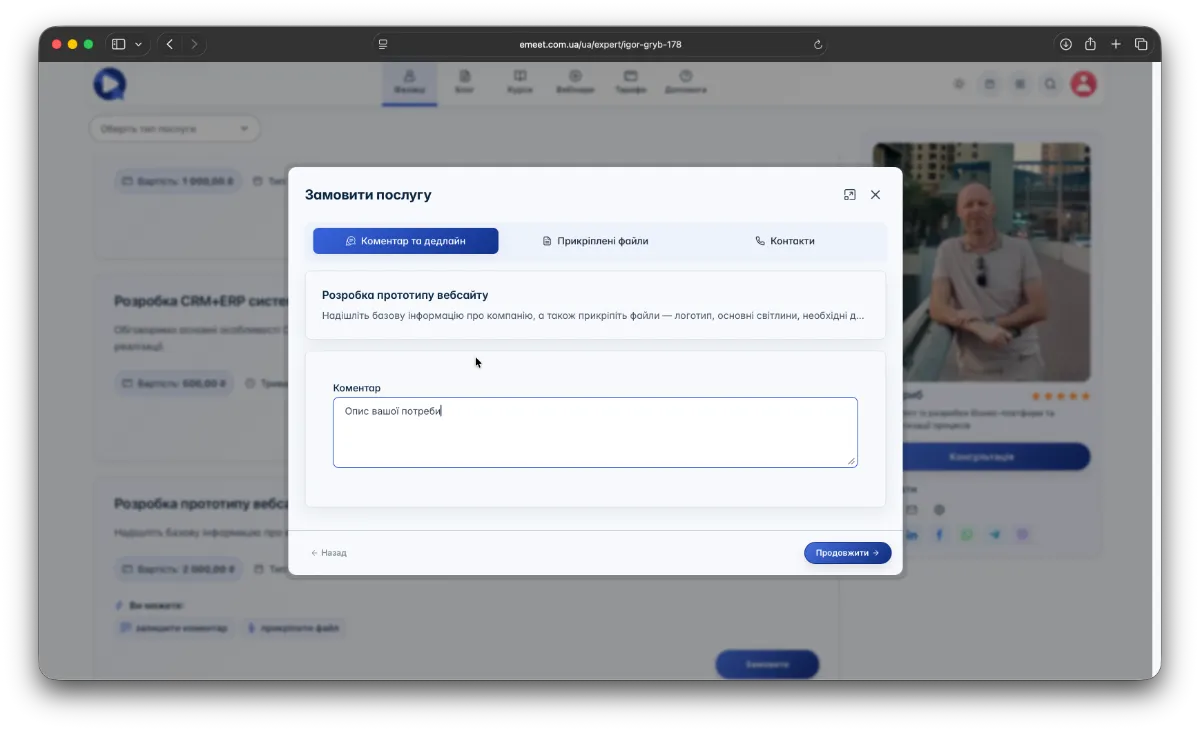
Booking - ordering a service
When booking a service, you need to describe your request, set a deadline, attach necessary files (if available), and provide your contact details.
Access to booked consultations
You can access consultations in the Work Calendar under Meetings by clicking the corresponding button in the top right menu.
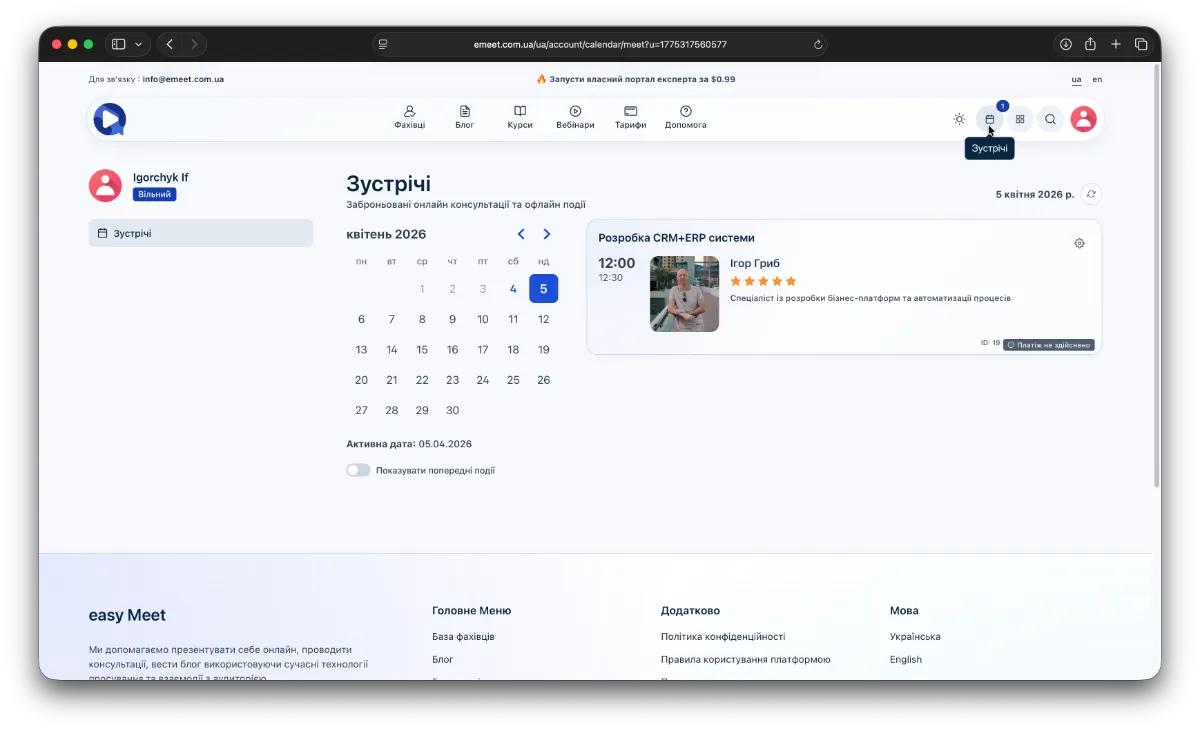
Access to ordered services and specialist's response
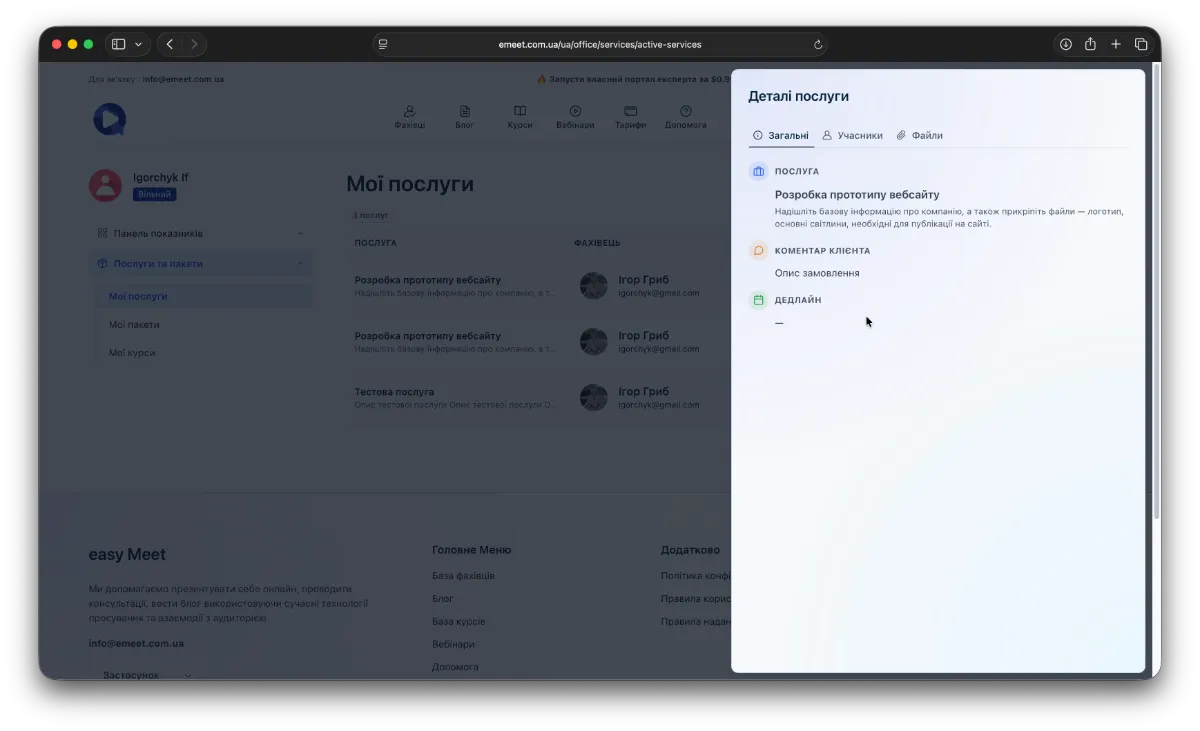
You can access services and their progress in My Office - on the right in the main menu.
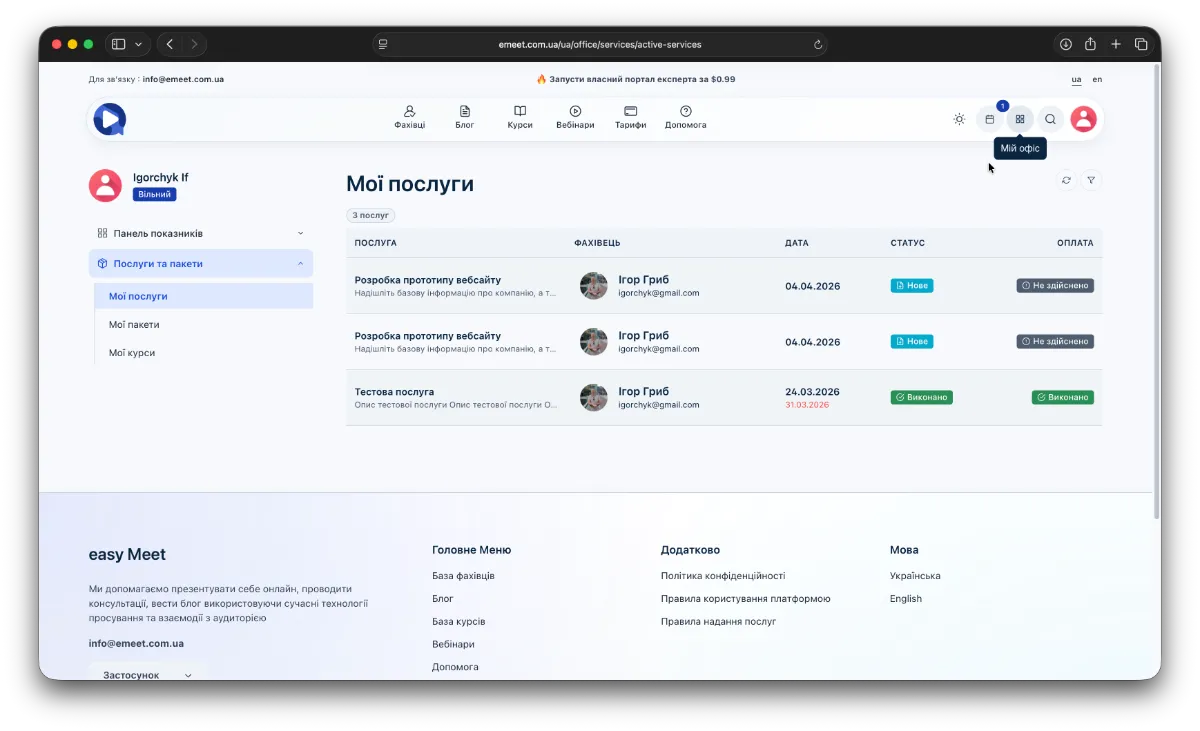
Then, in the left navigation panel, select Services and Packages -> My Services. To view details, click the desired service to open the service panel, where you will find all information, status, and the specialist's response.