Creating a Course
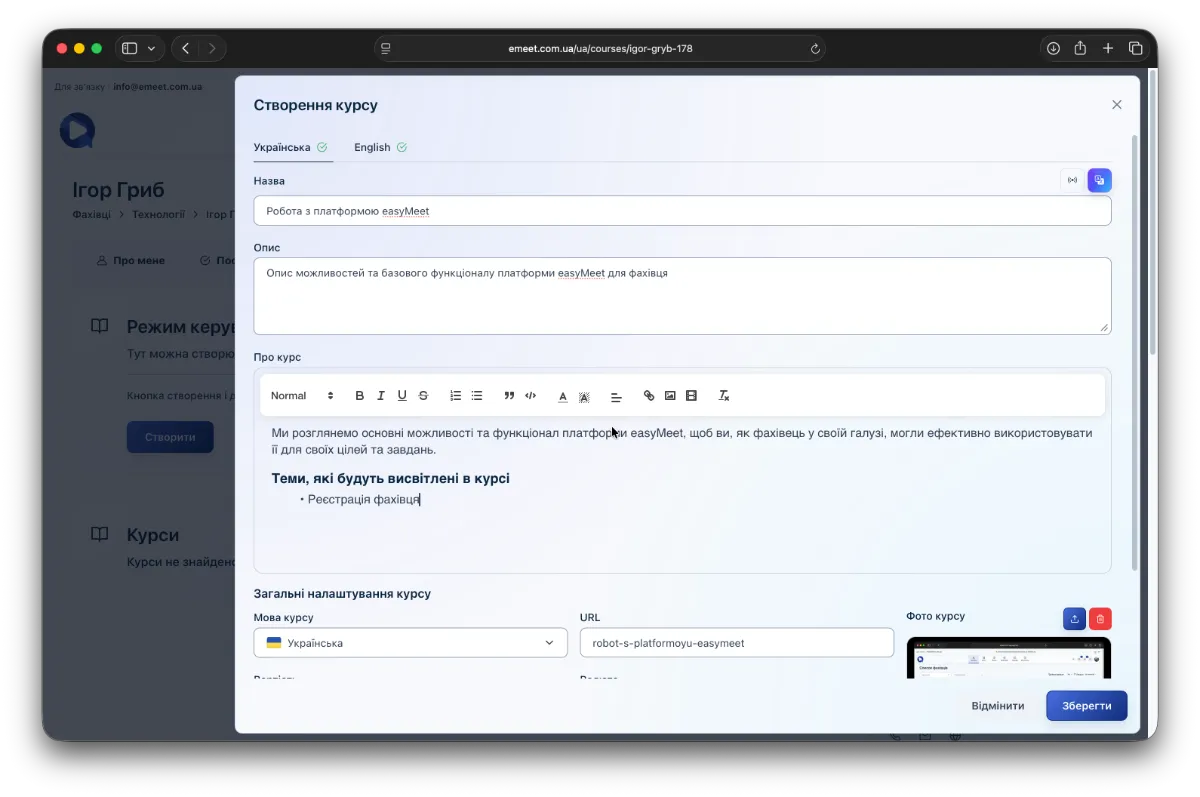
To create a course, go to your page (in the user menu My Page -> Courses) and click the Create button. A course creation dialog will open; fill in all fields with the required information. You can use AI assistance to correct and fix errors (button in the upper right corner above the course title input field).
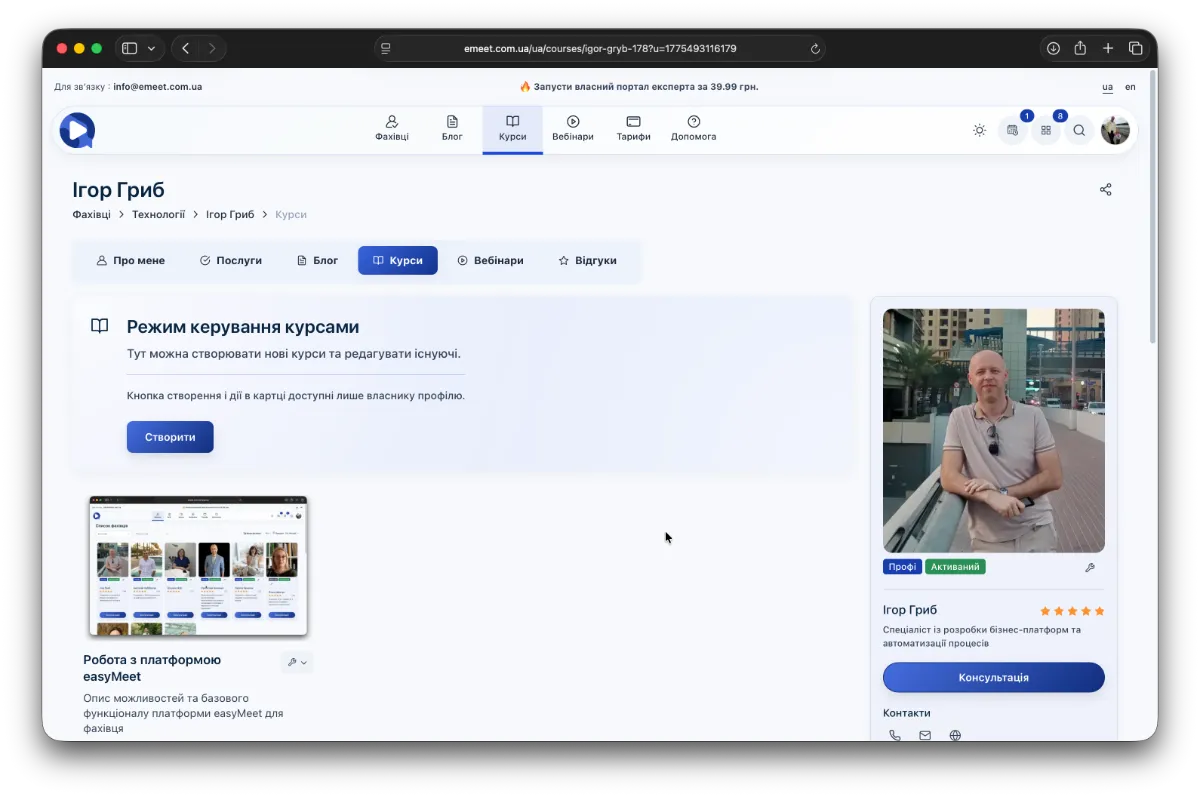
Your Course List
After saving, the course you created will appear in the list.
Paid and Public Courses
Courses can be paid — these are courses where paid content is available only after payment for the course, or public — free courses where all content is accessible. To create (or change the visibility), simply set the course price to 0 when creating or editing the course.
Paid courses have a Purchase button on their card.
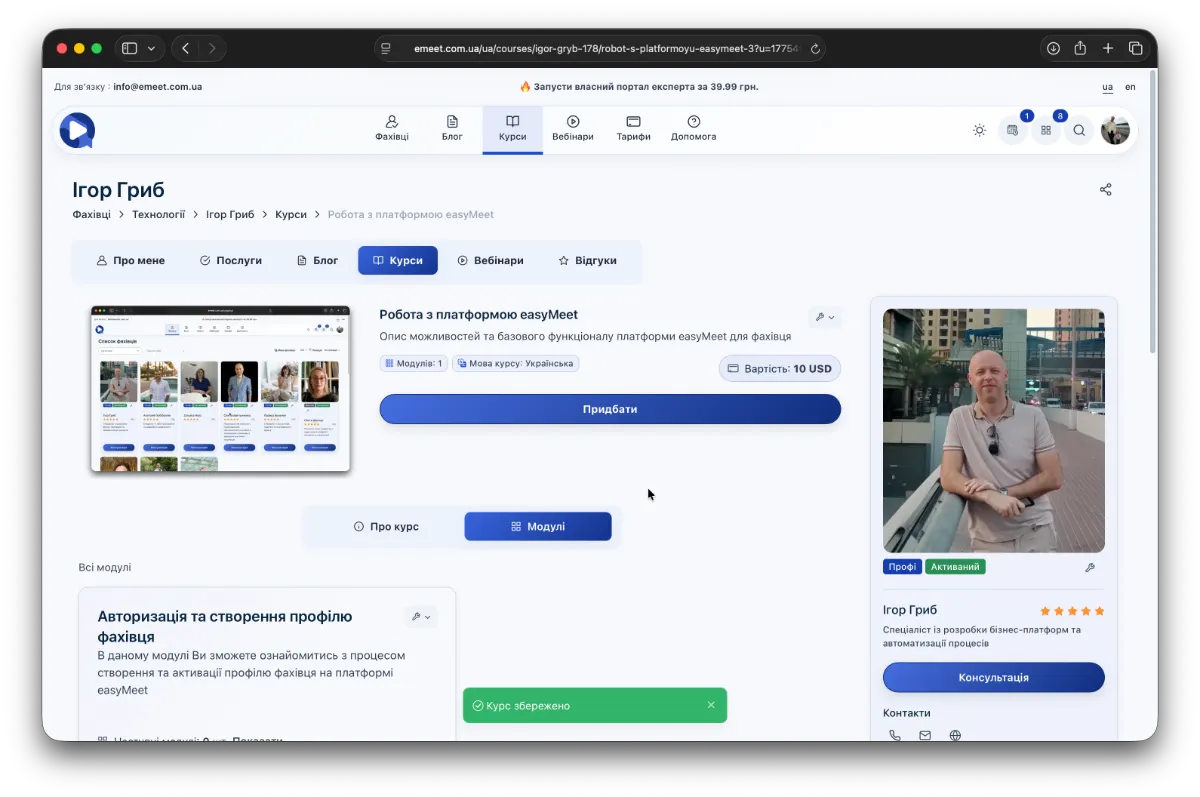
In public (free) courses, as well as courses you have paid for, the Purchase button is replaced with Available.
Course content is organized into course modules. See below.