Creating Services
The key difference of services from consultations and events is that there is no need to enter a booking date. Services also allow the client to describe their need or issue in more detail, attach files if necessary, and specify a desired deadline for the service completion.
Creating services is similar to creating consultations and events. Go to your menu My Page -> Services, then click the Create Service button. A dialog for creating a new service will open. You need to fill in all fields and select Service where it says Type. Then elements for managing the service will activate - allow comments, allow file attachments, allow deadline. You decide individually for each service whether to allow the client to perform these actions.
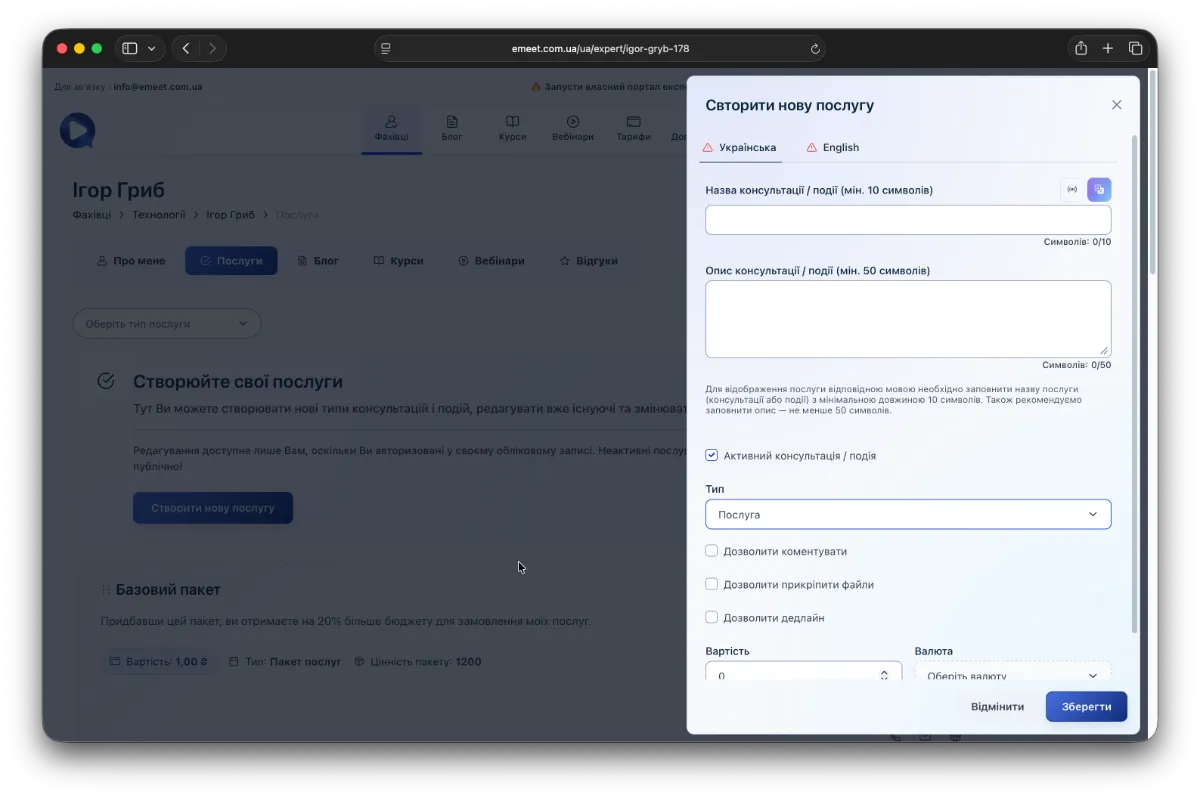
Also, in services, as in consultations or events, there is an option to translate and correct errors using AI - the button is in the top right corner above the Title field.
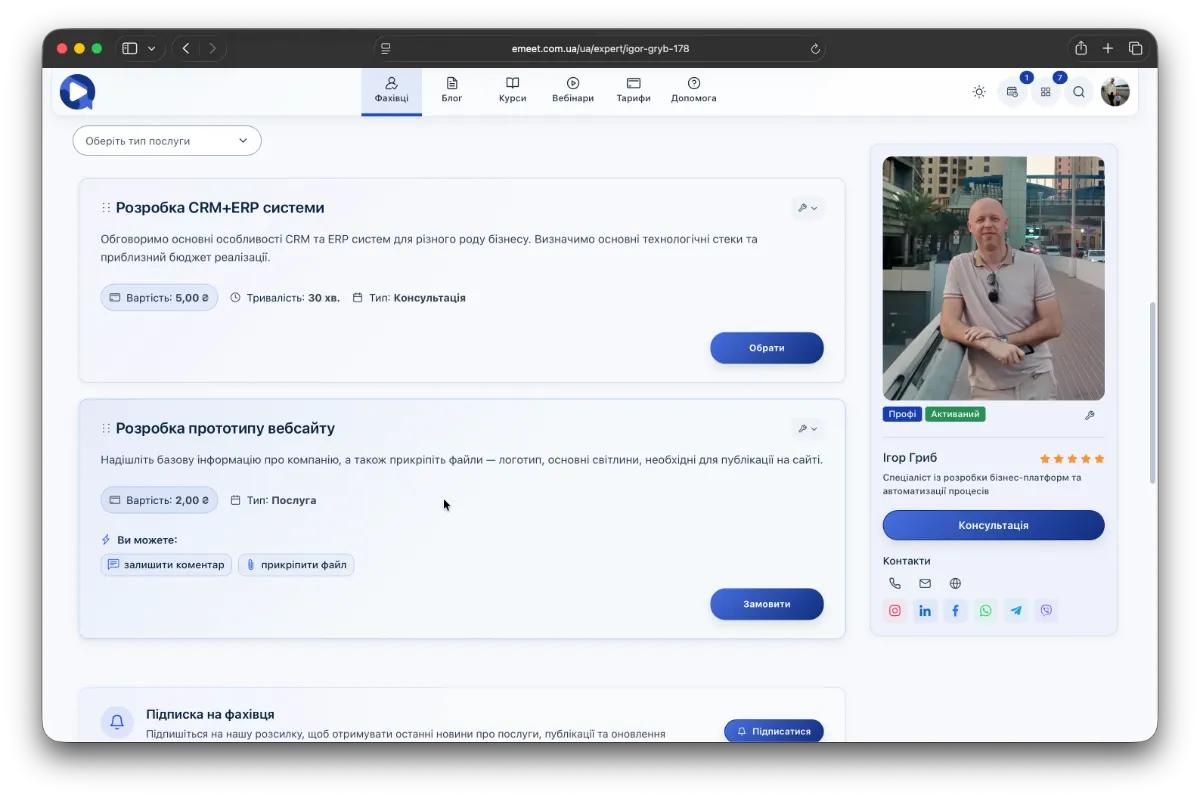
Afterwards, the service will be displayed in the list of all your consultations, events, services, and packages.
Filtering Services
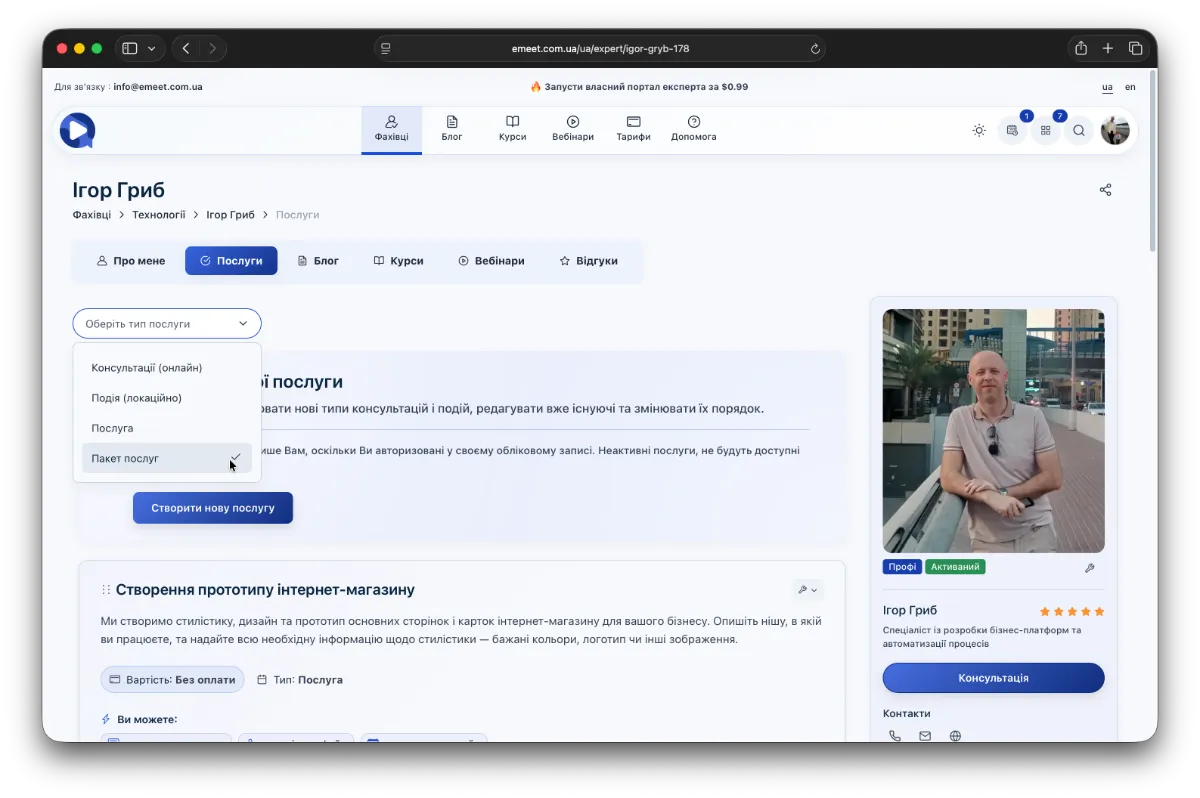
For convenience in searching and filtering, there is a filter by type.
Ordering a Service
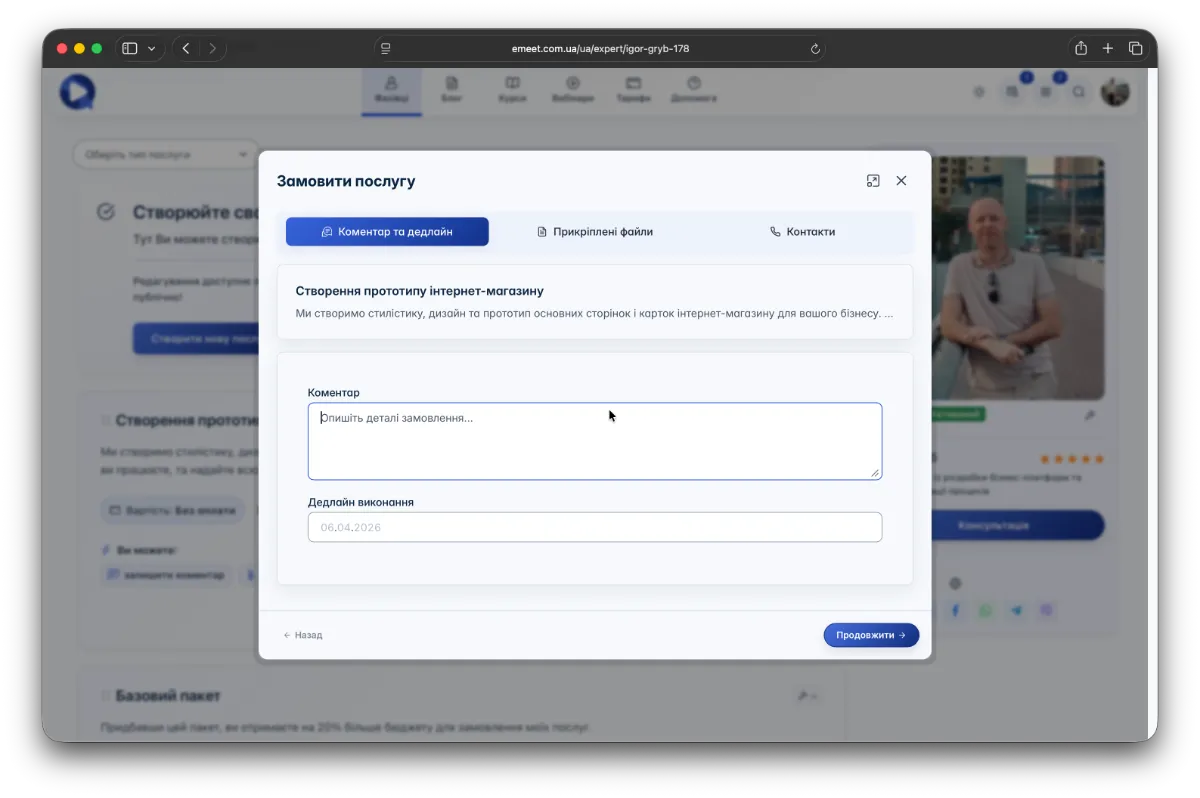
When a client orders a service, the service order wizard will appear. The client can leave a comment, specify a desired deadline, and attach files.