Google Calendar
The Google Calendar integration allows you to display all consultations and events ordered by your clients in the Google calendar of your Google account.
Activating Google Calendar
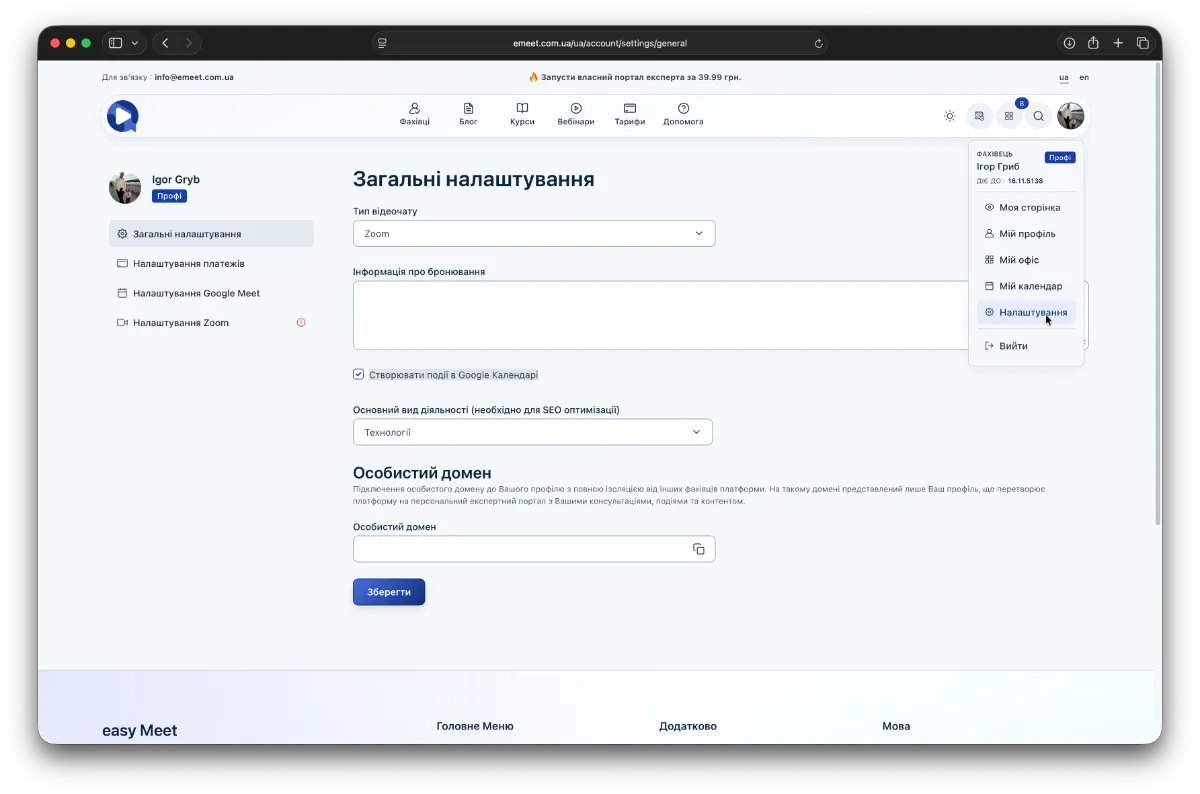
To activate this integration, go to Settings -> General Settings in your menu and enable the option Create events in Google Calendar.
Main requirements for Google Calendar integration
- Authorization on the easyMeet platform via Google account and accordingly through Google authorization. To do this, click the Sign In button in the upper right corner (if you are already signed in, log out of your account), then select Sign In from the menu, in the authorization dialog under "or continue with" click the Google button and proceed with authorization granting access to your calendar.
- Paid Start plan or higher. This integration is available only to specialists with a paid Start plan or higher.
After fulfilling these conditions, all consultations will appear in your Google calendar as well as in the client's Google calendar (if they are also authorized via Google). Additionally, changes to time, date, or deleted consultations or events will also be reflected in your Google calendar.